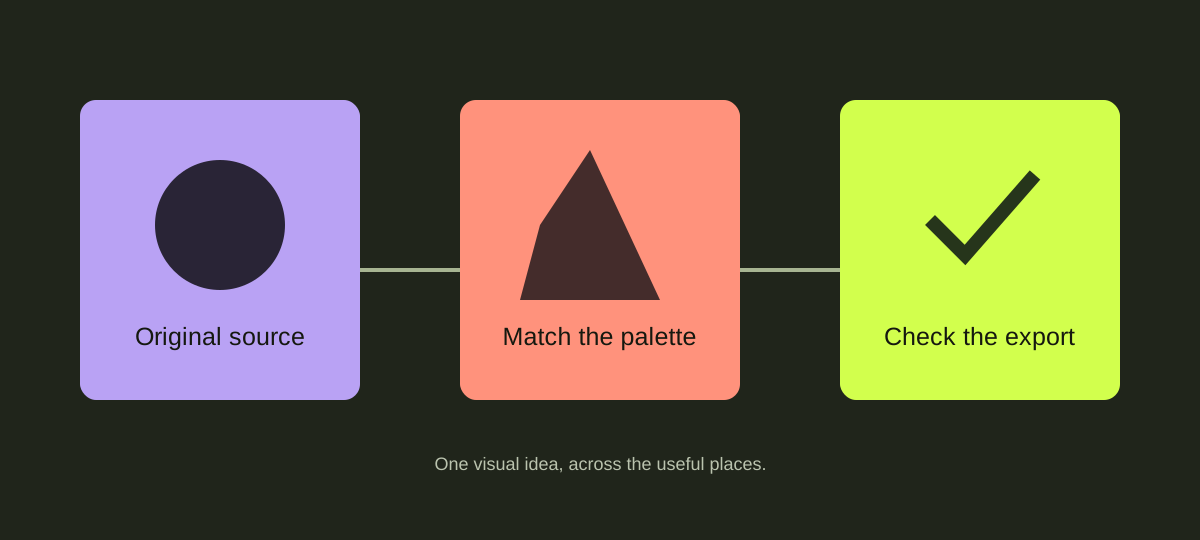
One visual idea, across the useful places.
1. Write the one sentence first.
Name the audience, the problem and the useful change your project offers. Use your own facts and replace all fictional template figures before publishing.
2. Choose a small visual palette.
Keep one primary color, one supporting accent and a readable background. Repeat those choices in the website, illustrations, slides and social layouts. Check text contrast separately from decorative colors.
3. Assign each asset a job.
Use a hero illustration for the opening idea, a process diagram for the explanation, a quiet background behind text and a pattern for a supporting moment. Not every surface needs a graphic.
4. Adapt the website and the deck.
Edit HTML copy and links in the working template. In PowerPoint, edit the deck text, chart data and table values rather than pasting screenshots of the slides. Check font substitution and line breaks in your actual application.
5. Review the complete route.
Test the site on a narrow screen, keyboard navigation, reduced motion and every CTA. Template demo enquiry forms only create local briefs; connect and test a real service before inviting customer enquiries. Preview social crops and export the final slide PDF from your editing application.

Original samples are governed by the commercial-v1 asset license. This guide does not grant third-party font or application licenses.